Process Flowchart Maker
Describe a process and get a clean, labeled flowchart in seconds — no drawing tools.
Documenting a process usually means wrestling shapes and connectors into alignment in a diagramming tool. QMSFigs skips that: describe the steps, decisions, and hand-offs in plain language and it lays out a clear, labeled flowchart you can drop into a procedure, audit, or training deck. Refine the wording to add or reorder steps until the flow reads exactly right.
What kinds of flowcharts can I make?
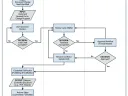
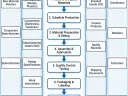
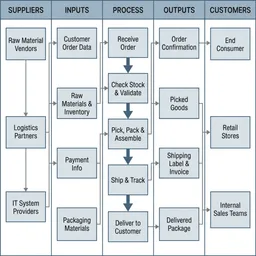
Process flows, swimlane-style hand-offs, decision trees, and SIPOC maps — describe the steps and the AI arranges them.
Can I edit the flowchart after generating it?
Yes. Adjust your description to add, remove, or reorder steps and regenerate until it reads clearly.
Is it suitable for an audit or ISO documentation?
Figures export at high resolution suitable for procedures, work instructions, audits, and training materials.
Do I need diagramming software?
No. You describe the process in plain language and the AI handles layout, shapes, and labels.